Analytics

Business Analytics

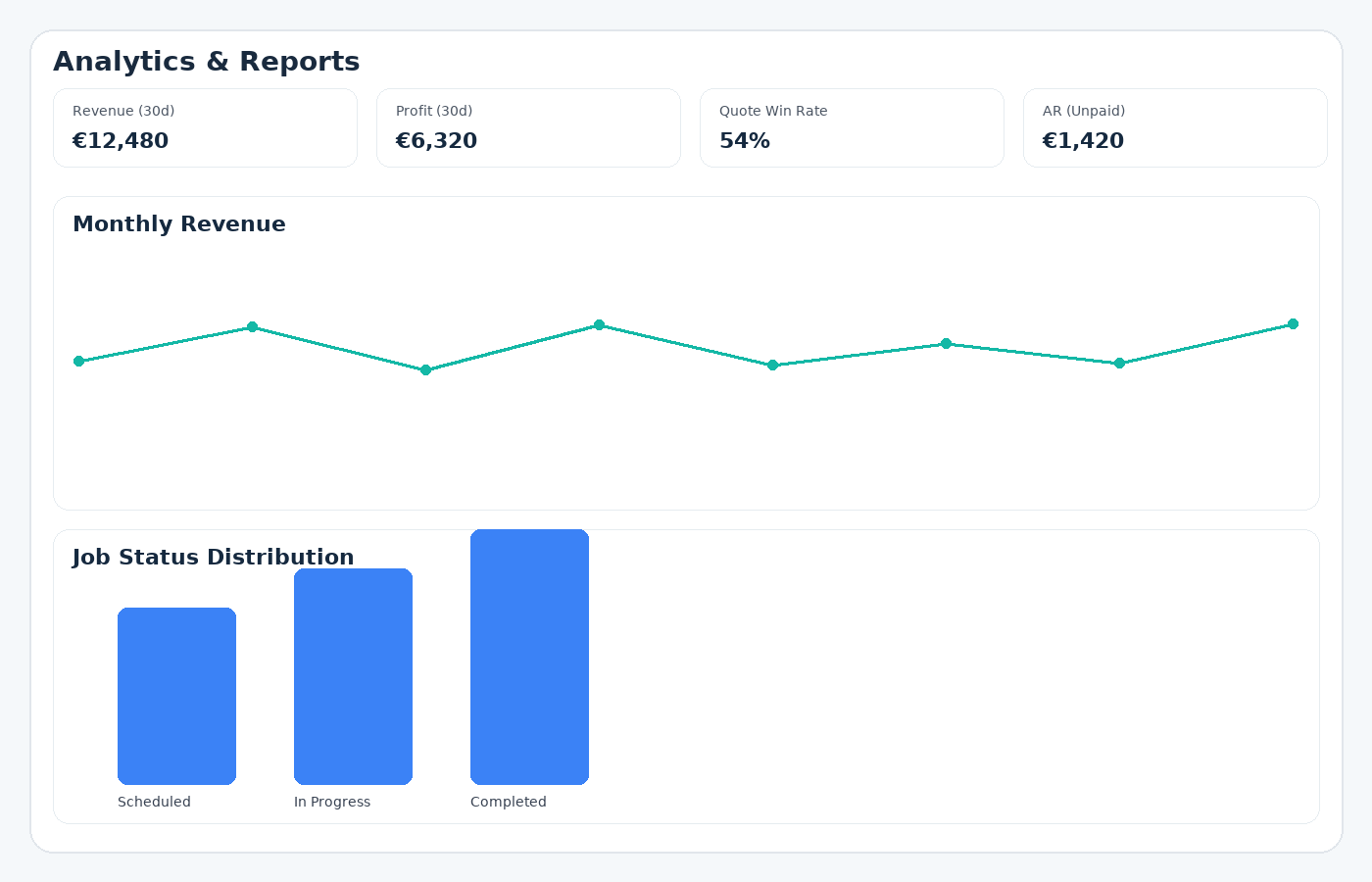
Real numbers you can act on: paid revenue, accounts receivable & overdue, AR aging buckets, issued vs collected, simple P&L (with Expenses), quote conversion, top customers, and CSV/XLSX export.

Revenue (paid)Issued vs collectedAR aging bucketsCSV/XLSX export
GoTaskhub Analytics dashboard

Highlights

A quick snapshot of what you can do.

Clear visuals

Readable charts and KPIs - signal over noise.

Actionable

Turn insights into next steps and priorities.

Role-aware

Workspace permissions respected automatically.

How it works

Simple steps to get powerful results.

1
1

Open Analytics

Live KPIs based on your invoices, quotes, and (optionally) expenses.

2
2

Choose a period

Quick ranges or custom dates; everything updates instantly.

3
3

Review revenue & AR

Paid revenue, outstanding balances, overdue totals, and aging.

4
4

Compare cash timing

Issued vs collected reveals when money actually lands.

5
5

Add Expenses (optional)

Starter/Pro: view a simple P&L snapshot for the period.

6
6

Export datasets

Share with your bookkeeper or analyze in Excel/BI.

Key Benefits

What you get out of this feature - fast.

Clarity you can trust

  • Paid revenue uses settled invoices only - no guesswork.
  • Clear, consistent definitions everyone understands.

Cash-flow awareness

  • Issued vs collected highlights the timing gap.
  • See seasonality and the impact of process tweaks.

Collections prioritization

  • Use AR & Overdue to focus follow-ups.
  • Standard aging buckets: Under 30 / 30–60 / 60–90 / 90+.

Lightweight P&L snapshot

  • Enable Expenses (Starter/Pro) to see period P&L.
  • Export for deeper accounting treatment when needed.

Quote conversion insight

  • Track quotes created vs accepted over time.
  • Spot where pricing/packaging/qualification need work.

Exports that travel well

  • CSV/XLSX for invoices, quotes, and expenses.
  • Share with advisors or analyze in spreadsheets/BI.

Business Analytics that reflect reality - not theory

GoTaskhub Business Analytics gives you the trustworthy numbers pulled straight from your daily work - quotes, invoices, payments, and (optionally) expenses. No spreadsheets, no custom SQL, no guesswork. Just crisp views of revenue paid, what’s owed,how long it’s been owed, and the timing between what you issued versus what you collected.

Why it worksFocused KPIs that map 1:1 to your actual records - easy to trust, easy to act on.

OutcomeSpot bottlenecks, prioritise follow-up, and plan cashflow without leaving your flow.

Revenue (paid)

Only settled invoices - real income you can rely on.

AR & Overdue

Outstanding and late amounts, always in context.

Issued vs Collected

See the cash-timing gap by month.

Revenue (paid): recognised income you can rely on

  • Uses settled invoices only - no projections or pending amounts.
  • Compare months/quarters without mixing in “theoretical totals”.
  • Export issued totals separately if you want to model pipeline.

Accounts Receivable & Overdue: what’s owed and where to act

Use AR/Overdue to prioritise collections and improve time-to-cash.

When AR rises

  • Tighten terms or use deposits for larger jobs
  • Introduce earlier reminders

When Overdue spikes

  • Switch focus to collections
  • Escalate cadence or late-fee policy

Aged receivables: Under 30 / 30–60 / 60–90 / 90+

Standard buckets your bookkeeper already uses - no translation needed.

Under 30 days

Tailor reminders/terms by bucket; escalate past 60–90 as needed.

30–60 days

Tailor reminders/terms by bucket; escalate past 60–90 as needed.

60–90 days

Tailor reminders/terms by bucket; escalate past 60–90 as needed.

90+ days

Tailor reminders/terms by bucket; escalate past 60–90 as needed.

Issued vs Collected: understand cash timing

Compare created invoices with payments received per month to see the lag.

  • Test deposits, “pay now” links, or faster send - then measure the gap shrink.
  • Plan buffers for typical 30/45/60-day collection patterns.

P&L snapshot (with Expenses enabled on Starter/Pro)

A simple period view: paid revenue minus tracked expenses. Keep it light in-app; export if you need deeper accounting treatment.

Heads up: P&L snapshot appears when Expenses is enabled (Starter/Pro).

Quote conversion & Top customers

Quote conversion

Track created vs accepted; diagnose pricing/packaging vs top-of-funnel issues.

Top customers

Identify key accounts to prioritise; recalibrate terms if they appear in aging often.

Export the data

Export invoices, quotes, and expenses as CSV/XLSX for audits, models, and sharing with advisors. Exports use the same underlying data as the dashboard - no conflicting reports.

  • Hand off directly to your bookkeeper
  • Build one-off models in Sheets/Excel
  • Archive snapshots for board or client updates

Practical workflows

Collections rhythm

Review AR/Overdue every Monday. If 60–90 is growing, call those customers first.

Cash planning

Use Issued vs Collected to size buffer days. Test deposits or faster send and re-check next month.

Customer focus

Use Top customers for proactive check-ins and pilots. Adjust terms if they appear in aging.

Clarity

Paid means paid - definitions are explicit and consistent.

Speed

Lean UI, instant ranges, focused KPIs.

Trust

Same data powers exports; easy to audit and share.

Frequently asked questions

Quick answers to common questions.

Q.Can I export the data behind the charts?
Yes. You can export invoices, quotes, and expenses to CSV/XLSX for further analysis in Excel, Google Sheets, or BI tools. This lets you audit, model, or share figures with advisors without changing anything in your account.
Q.How up-to-date are the numbers?
Dashboards reflect live activity from your account. When invoices are issued or paid, when quotes are accepted, or when expenses are recorded (if enabled), your analytics update accordingly with minimal delay.
Q.Do I need to enable Expenses to use Analytics?
No. Revenue, AR, overdue totals, aging, issued vs collected, and quote conversion all work without enabling Expenses. If you do enable Expenses on Starter/Pro, you’ll also see a simple P&L snapshot for the selected period.
Q.Is this the same as double-entry accounting?
No. GoTaskhub Analytics is designed for operational insight and day-to-day decision-making. It isn’t a replacement for a full general ledger. We give you clear revenue, AR, aging, issued vs collected, and a simple P&L snapshot if you track expenses. You can export and reconcile with your accounting system as needed.
Q.Can I filter by time period?
Absolutely. Use quick ranges like Last 30/90 days or This/Last year, or define a custom period. Your KPIs and charts will adapt to the selected window.

Ready to streamline your business?

Join thousands of trade professionals who are saving time and winning more work.

No credit card required.

GoTaskhub logo

The smart HQ for your entire business. GoTaskhub connects your quotes, invoices, customers, jobs, tasks, calendar, expenses, budgets, analytics, and even your home finances - all in one clean, automated system.

Built for trades, service pros, freelancers, and content creators who want to save time, get organised, and run a more profitable business.

© 2026 GoTaskhub.
Built for trades, service businesses & content creators.

Cookies & analytics

We use necessary cookies to make GoTaskhub work, and optional analytics cookies to understand how the site is used so we can improve it. You can change your choice at any time.

Necessary cookies

Always on – required for things like security and basic functionality.